How to Create a Team Workspace and Invite People
Know the Difference
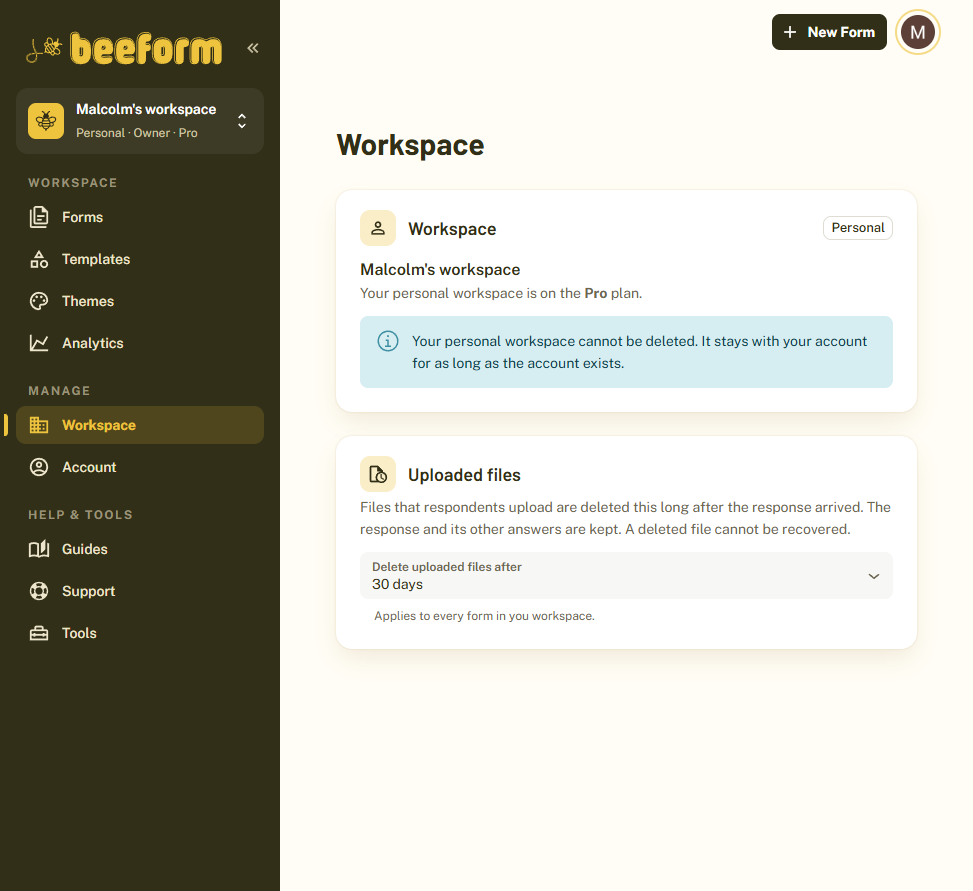
Everyone has a personal workspace for their own forms. It cannot be deleted. A team workspace is shared: forms, themes and responses belong to the team, and each person has a role.
Open the Workspace Menu
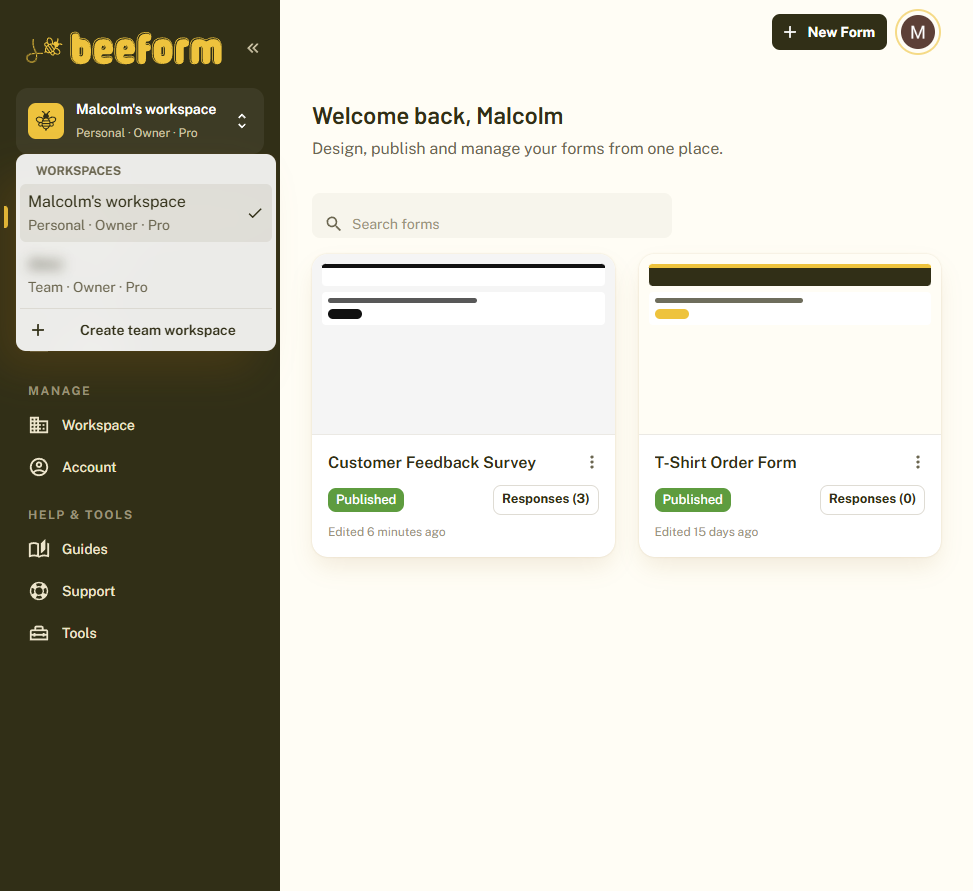
Click the workspace name at the top of the sidebar. The menu lists your workspaces, with your role and plan under each, and a Create team workspace option. Creating team workspaces needs the Pro plan, though anyone can join a team they are invited to.
Create the Team Workspace
Choose Create team workspace, give it a name and confirm. You become its owner, and it opens as your active workspace.
Open the Team Page
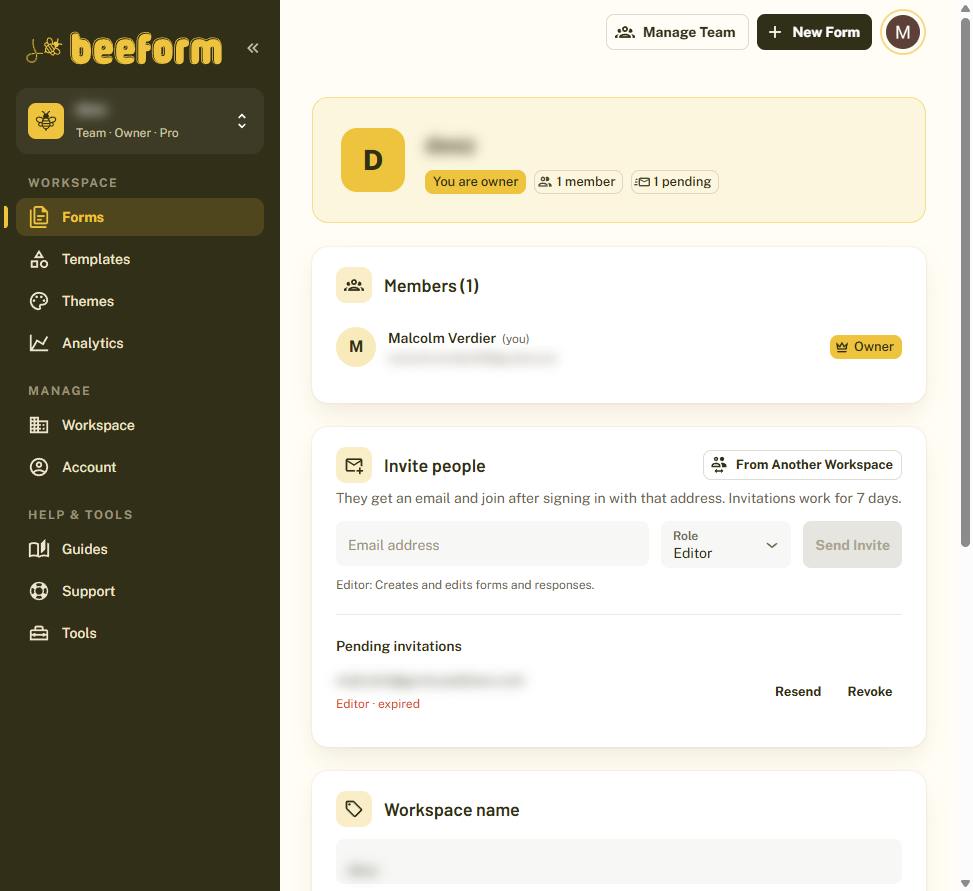
Click Manage team at the top of the page. You see your members with their roles, the people you have invited, and the workspace settings.
Invite People
Under Invite people, enter an email address, choose a Role and click Send invite. They get an email and join after signing in with that address. Invitations work for 7 days, and pending ones can be resent or revoked.
Understand the Roles
The owner can do everything, including billing and deleting the workspace. Admins manage members and all forms, Editors create and edit forms and responses, and Viewers can only see forms and responses.
Switch Between Workspaces
Use the workspace menu in the sidebar to move between your personal workspace and your teams. Everything you see, such as forms and analytics, belongs to the workspace you picked.
Tips and Best Practices
- Give people the lowest role that lets them do their job. Viewers are ideal for stakeholders who only need results.
- One Pro subscription covers every workspace you own, with unlimited members.
- Rename the workspace or set how long uploaded files are kept from the same Team page.
Common Pitfalls to Avoid
- Invitations expire after 7 days. Resend one if it has expired.
- Deleting a team workspace removes all its forms, responses and uploaded files after 7 days, until then you can cancel. Only the owner can delete it.
- Your personal workspace cannot be deleted.